A custody case timeline: every dated event and record in one chronology
Custody Commander builds your custody case timeline as you go. Log events, and dated evidence and hearings land on the same master chronology, ready to filter and export to PDF or Word.
Dates end up everywhere: in texts, school emails, photos, calendars and court notices. A master timeline puts all of them in a single chronology, so you can see the order of events and spot gaps. Keep each entry to one event with a precise date, and write it in plain, neutral words so anyone can read it.
Events, evidence, key dates and hearings in one view, grouped by month
Search every entry by keyword
Past, Next and Upcoming labels on each entry
Add an entry with a date, a short title and details such as time, place and who was present
Or describe it to the in-app assistant in plain English and it adds the dated entry (uses AI actions)
2of 4
Dated evidence lands on the timeline by itself
A timeline is more useful when each line points to the record behind it. When you add a screenshot, photo or PDF, the app looks for a likely date in its text, the photo's details or the file name. Once you confirm the date, the file appears on the timeline beside the events from that day, so a note like "Pickup moved to 6 pm" sits next to the text that moved it.
Likely dates read from text, photo details or file names, marked unverified until you check
A short factual label drafted for each file, which you can edit
Originals kept unchanged, each with a SHA-256 fingerprint
The assistant can add key dates from your imported message logs to the timeline
3of 4
Pull out one issue or one stretch of months
A full chronology can run long, and a hearing, a mediation session or an attorney meeting often needs only part of it. Filters show one case, one type of entry or one stretch of months, and issues group the records for a single topic under your own short summary. You decide what each issue covers; the app never maps the law to your facts.
Filter by case, type, year or month, and search every entry
Name issues such as School or Exchanges, write your own summary and tag the supporting records
Several court case numbers side by side in one case file, each with its own deadlines
Hearing mode shows the timeline next to your exhibits, full screen
An attorney handoff packet puts your case summary, each issue with its tagged evidence, the timeline and the evidence index in one PDF
4of 4
Export it, or start a Case Timeline Summary draft
Export the timeline to PDF or Word for a hearing binder, a mediation session or an attorney meeting. If you need a written summary, the Case Timeline Summary template gives you a skeleton with headings and [placeholders], and AI drafting can start it from your own records. You review every statement before export.
PDF or Word export; free-plan exports carry a DRAFT mark
A Case Timeline Summary template among 26 templates, with your caption and case number merged in
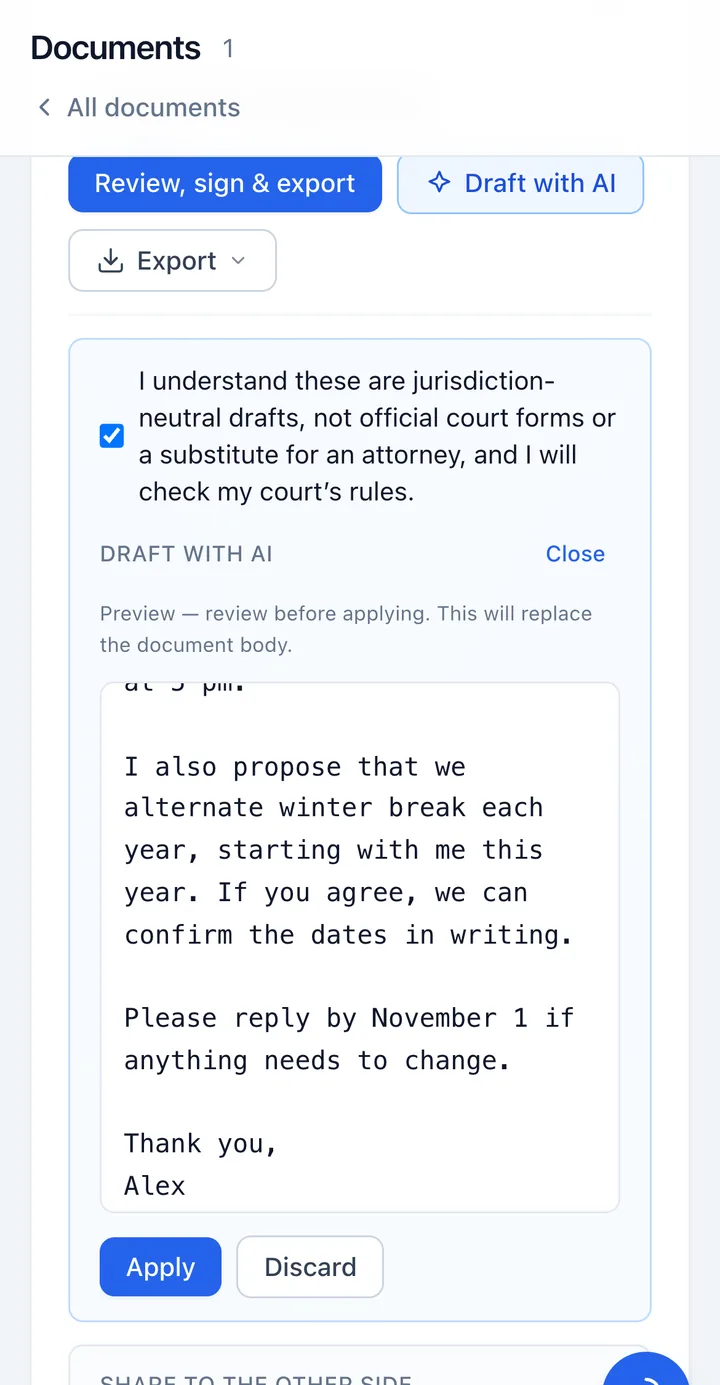
AI drafts grounded in your case records leave [placeholders] for facts the app doesn't have
You attest that you prepared and reviewed the document; nobody at Custody Commander reviews it
Prefer paper? The free master timeline template comes in Word, Excel and PDF, no signup.
General organizing tips, not legal advice. Your court's own rules come first.
Plans and pricing
Start free. Upgrade only if you need more.
The free plan needs no credit card and never expires. Case Builder holds the timeline and the assistant; Full Suite adds AI reading of your screenshots and every other tool.
Free
For getting your evidence out of your camera roll and into order.
$0
Free forever — no credit card, nothing to cancel.
One case file, unlimited court case numbers
10 evidence items, 1 GB of storage
Organize, describe, tag, search
Watermarked printable PDF export
6 AI actions to try the tools (one-time, not monthly)
Create your account, then after a short setup you can try Full Suite free for 7 days. Card required; then $24.99/mo or $299/yr (about 82¢ a day) until you cancel. Cancel before day 7 and you pay nothing. Or subscribe now — $299/yr
50% off · 20× the AI
Full Suite Max
Everything in Full Suite, with 20× the AI actions.
$99.99$49.99/mo
or $899/yr$399/yr
Everything in Full Suite: all five tools and the assistant
6,000 AI actions a month (20× Full Suite)
50% off (normally $99.99/mo), locked in as long as you don’t cancel
Already on Full Suite? Get 20× the AI credits for only +$25/mo more (prorated in place)
Clean, printable exports + free attorney & advocate access (on every plan)
$49.99 a month, renews until you cancel. Cancel online in two clicks.
Hearing Pass · one-time
$49 once for 30 days of hearing prep. Nothing renews.
Everything in Full Suite for 30 days from the day you buy it: all five tools, the assistant, AI included, and exports without a watermark. No subscription and nothing to cancel. When the 30 days end you’re back on the free plan, and nothing you added is deleted.
Your case stays private to your account until you invite someone and choose what they see. Data is encrypted in transit and at rest, and we don’t sell your personal information.
Your files stay yours
Originals are kept unchanged. Download your complete Case Bundle, every original file plus a manifest, free on any plan, before or after you cancel.
Cancel anytime, in two clicks
The free plan has nothing to cancel. Paid plans renew until you cancel online in two clicks, and the Hearing Pass never renews.
Organizing software, not a law firm
It organizes the files, dates and messages you provide. It doesn’t give legal advice, choose what you file or predict what a court will do.
Questions, answered straight
Frequently asked questions
What is a custody case timeline?
It's a dated list of the events in a custody case, in order: exchanges, school and medical events, messages, filings and hearings. Many parents keep a full version for themselves and a shorter one for hearings or attorney meetings. In Custody Commander it builds itself from the events, evidence and hearings you add.
Is there a free custody timeline template?
Yes. A free master timeline template in Word, Excel and PDF comes with our guide to building a custody case timeline, with no signup. Inside the app, the Case Timeline Summary template is a starting point you complete and review.
How long does a custody case take?
It varies widely by court, by how much the parents agree and by the court's calendar. Your court clerk or self-help center can explain the usual steps where you live. The app doesn't predict timing; it keeps your dates, deadlines and hearings in one place as the case moves.
What should a case timeline for court include?
Check your court's rules first, since some courts set formats for exhibits and summaries. Many timelines list the date, the event in one or two factual sentences and the record that shows it. Whether and how to present one is a question for a licensed attorney where you live.
Can I export my timeline to Word or PDF?
Yes. The timeline exports to PDF or Word, so you can print it or keep editing the wording in a word processor. Free-plan exports carry a DRAFT mark; paid plans and the one-time $49 Hearing Pass export clean copies.
Is it free?
Yes. The free plan needs no card and never expires: one case, the timeline, up to 10 evidence items and 6 AI actions, with DRAFT-watermarked exports. Full Suite is $24.99 a month or $299 a year with 300 AI actions a month.
Is this legal advice?
No. Custody Commander is organizing software, not a law firm, and nothing here is legal advice. It keeps your own dates in order; it doesn't decide what's relevant or predict how a court will see it. For advice, talk to a licensed attorney where you live.
Start your custody case timeline today
Add the last few events you remember clearly, then let dated records fill in around them. Free plan, no card needed.