Discovery in a custody case: requests, responses and dates in order
Draft interrogatories, requests for production, requests for admission and your own responses from templates with [placeholders]. Keep everything you send and receive dated and in one place, so you always know what's due and what came back.
Originals kept unchanged, each with a SHA-256 fingerprint
Organizing software, not a law firm
1of 4
Written questions and document requests, drafted from a template
Discovery is the stage where parties can ask each other for information and documents, under rules that vary by court and by type of case. Requests are easier to answer, and to follow up on, when each one asks for a single thing in plain words. The request templates lay out definitions, instructions and numbered requests, with a [placeholder] for each.
Interrogatories and Requests for Production: definitions, a date range, numbered questions and numbered document requests
Requests for Admission: numbered statements, one fact or document each, to admit or deny
A [placeholder] for the discovery rule your court uses, which you cite and verify yourself
Notes that some courts limit the number of requests or require specific wording
A signature block and a certificate of service
2of 4
Answering requests served on you, one by one
When requests arrive, copy each one exactly and write your answer under it, using the same numbering. The Responses to Discovery Requests template is laid out that way, with a general statement, a list of documents you're providing and a verification page. Your answers and any objections are yours to write; the app doesn't suggest them.
AI drafting uses AI actions. The free plan includes 6 to try it.
In the app
Request-and-response pairs numbered to match the requests
A section listing documents provided, by page number or file name
A verification page in the form your court accepts, with an optional notary section
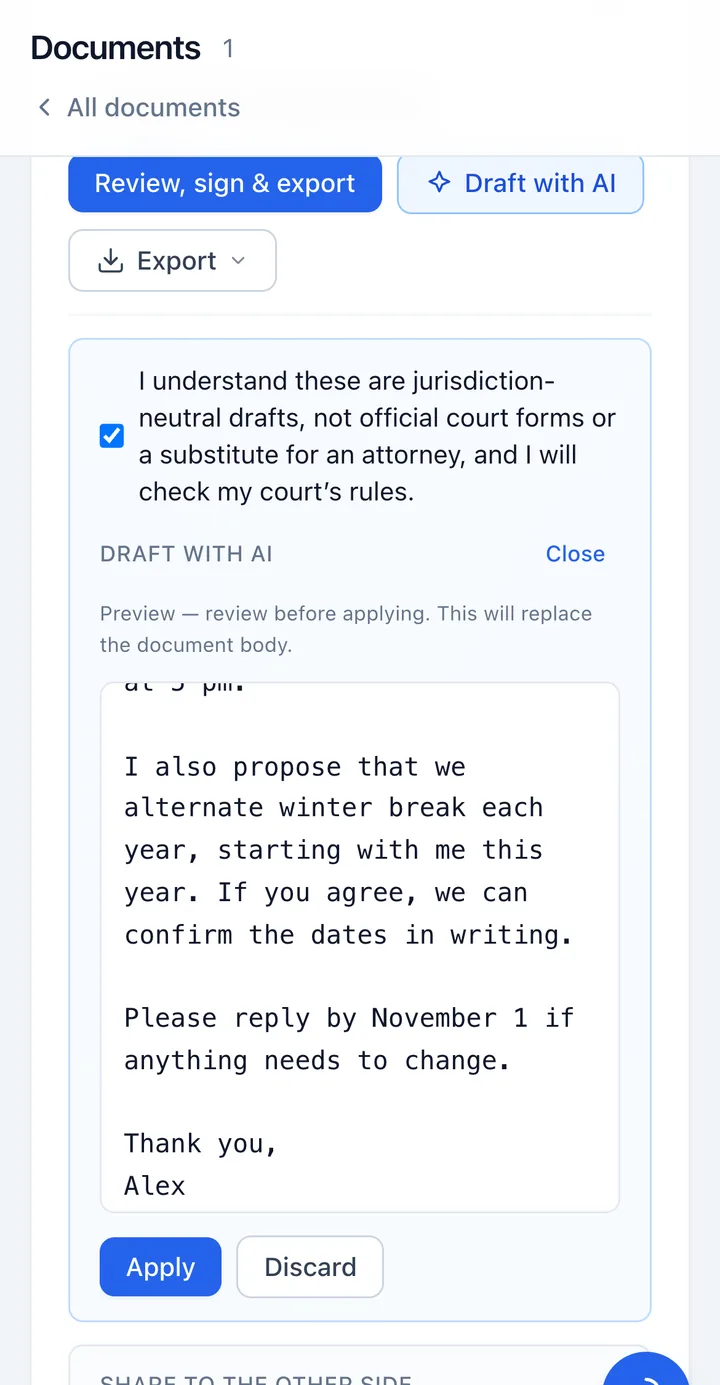
AI drafting can turn facts from your records into draft answers, with [placeholders] for gaps
3of 4
Every paper sent and received, dated and kept together
Discovery creates a lot of paper with dates attached: when you served something, when answers are due, what came back and when. Upload what you receive, record the dates, and add each due date to Upcoming with a reminder. A dated record of who sent what, and when, is far easier to rely on than memory a few months later. Where your court uses one, the Notice of Service of Discovery template records the date and method you served papers.
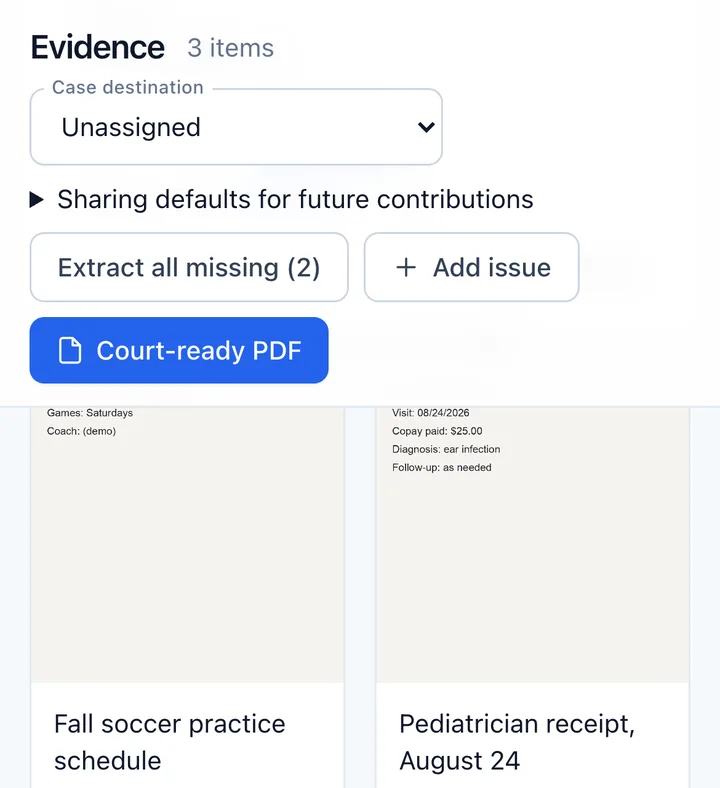
Upload documents you receive, up to 25 MB each; originals are kept unchanged with a SHA-256 fingerprint
AI reads the text in PDFs and photos of papers and suggests a date for you to check
Folders, tags and search to keep each discovery set together
A short, civil letter when answers are late or incomplete
Some courts expect parties to try to settle a discovery disagreement between themselves before asking the court for help, so check your rules. The Meet-and-Confer Letter template is a brief, civil letter that states the issue, what you're asking for and a reply-by date. Whether to take any further step is a question for your court's rules or a licensed attorney where you live.
Create your account, then after a short setup you can try Full Suite free for 7 days. Card required; then $24.99/mo or $299/yr (about 82¢ a day) until you cancel. Cancel before day 7 and you pay nothing. Or subscribe now — $299/yr
50% off · 20× the AI
Full Suite Max
Everything in Full Suite, with 20× the AI actions.
$99.99$49.99/mo
or $899/yr$399/yr
Everything in Full Suite: all five tools and the assistant
6,000 AI actions a month (20× Full Suite)
50% off (normally $99.99/mo), locked in as long as you don’t cancel
Already on Full Suite? Get 20× the AI credits for only +$25/mo more (prorated in place)
Clean, printable exports + free attorney & advocate access (on every plan)
$49.99 a month, renews until you cancel. Cancel online in two clicks.
Hearing Pass · one-time
$49 once for 30 days of hearing prep. Nothing renews.
Everything in Full Suite for 30 days from the day you buy it: all five tools, the assistant, AI included, and exports without a watermark. No subscription and nothing to cancel. When the 30 days end you’re back on the free plan, and nothing you added is deleted.
Your case stays private to your account until you invite someone and choose what they see. Data is encrypted in transit and at rest, and we don’t sell your personal information.
Your files stay yours
Originals are kept unchanged. Download your complete Case Bundle, every original file plus a manifest, free on any plan, before or after you cancel.
Cancel anytime, in two clicks
The free plan has nothing to cancel. Paid plans renew until you cancel online in two clicks, and the Hearing Pass never renews.
Organizing software, not a law firm
It organizes the files, dates and messages you provide. It doesn’t give legal advice, choose what you file or predict what a court will do.
Questions, answered straight
Frequently asked questions
What is discovery in a custody case?
Discovery is the process parties may use to ask each other for information and documents before a hearing or trial. It commonly includes interrogatories (written questions), requests for production of documents and requests for admission. Whether and how it's available in a custody case depends on your court's rules.
Which discovery templates does the app have?
Interrogatories and Requests for Production, Requests for Admission, Responses to Discovery Requests, Notice of Service of Discovery, a Meet-and-Confer Letter and a Motion to Compel Discovery. Each is a starting point with [placeholders], not an official court form, and each leaves any rule citation for you to find and verify.
Does the app tell me what to ask for in discovery?
No. You decide what to request and how to answer. The templates provide structure, and AI drafting only rewords facts already in your records. Custody Commander is organizing software, not a law firm, and it doesn't advise on strategy.
How do I respond to interrogatories in family law?
Check the deadline and any signing requirement in your court's rules first. Copy each question exactly, answer it under the same number in your own words, and list any documents you're providing. The Responses to Discovery Requests template is laid out that way, with an optional notary section in its verification.
Can I keep the documents I receive in discovery organized?
Yes. Upload them to Evidence, where originals are kept unchanged with a SHA-256 fingerprint, and group them in folders by set. The app can read text in PDFs and photos of papers and suggest dates for you to check, and every suggestion stays marked unverified until you review it.
Is it free?
Yes. The free plan needs no card: the document templates, 1 GB of storage, up to 10 evidence items and 6 AI actions, with exports marked DRAFT. Full Suite is $24.99 a month or $299 a year, removes the evidence limit and exports clean.
Can I draft documents in every state?
In most states the app drafts jurisdiction-neutral documents from templates, with [placeholders] for your court's details, and they aren't official court forms. In a few states, drafting stays off until that state's review is finished; the app says so when you start a draft. Organizing evidence, the timeline and exports work in every state.
Is this legal advice?
No. Nothing on this page is legal advice, and nobody at Custody Commander reviews your discovery papers. Discovery rules differ from court to court; ask your court's self-help center or a licensed attorney where you live how they apply to your case.
Keep your discovery organized
Draft requests and responses from templates and keep every date and document in one place. Free plan, no card needed.