Photos as evidence in court, kept original, dated and numbered
Add photos and videos from your phone or computer, including iPhone HEIC files. Custody Commander keeps each original unchanged, suggests a date from the photo's details for you to check, and prints numbered photo exhibits with location data removed.
Originals kept unchanged, with a SHA-256 fingerprint
Location data removed from photos in the exhibit PDF
Free plan, no card needed
1of 4
Keep the original file, not a copy of a copy
When photos are used as evidence in court, the original file matters. Each time a photo is texted, posted or edited, it can lose quality and the details saved with it, such as when it was taken. Add the original from the device that took it, and the app keeps that file exactly as it came in, with a SHA-256 fingerprint recorded at upload. Everything you add later, from labels to tags, sits beside the file rather than inside it. If a photo reached you by text or email, add it too, and note where it came from.
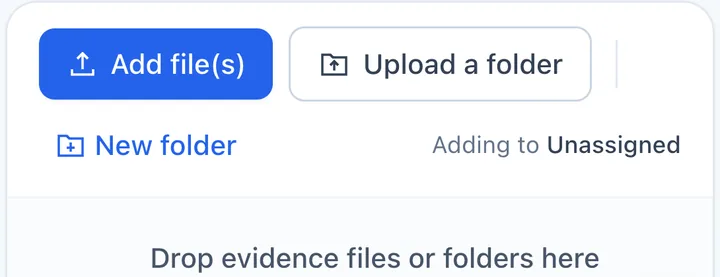
Add photos and videos one by one, in a batch or as a whole folder, up to 25 MB per file
JPG, PNG and iPhone HEIC photos, plus audio and video files
The original never changes; its SHA-256 fingerprint is recorded when you add it
Folders and subfolders, such as one for each child or each topic
2of 4
A date for every picture, confirmed by you
A photo is easier to follow when everyone knows when it was taken. The app looks for a likely date in the photo's details, in any text inside the picture, or in the file name, and suggests it with a short, factual label. Nothing is final until you check it, and you can correct the date or the label at any time.
A suggested date from the photo details, visible text or file name
A short, factual label drafted for you to edit
Readings marked unverified until you review them
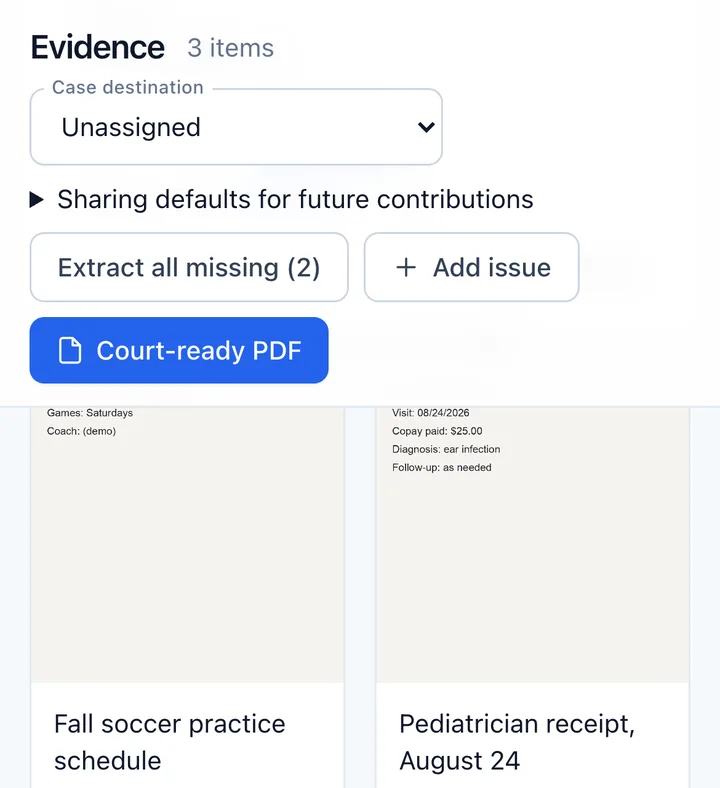
Dated photos appear on your timeline beside the events around them
AI reading uses AI actions. The free plan includes 6 to try it.
3of 4
Print photo exhibits with the location data taken out
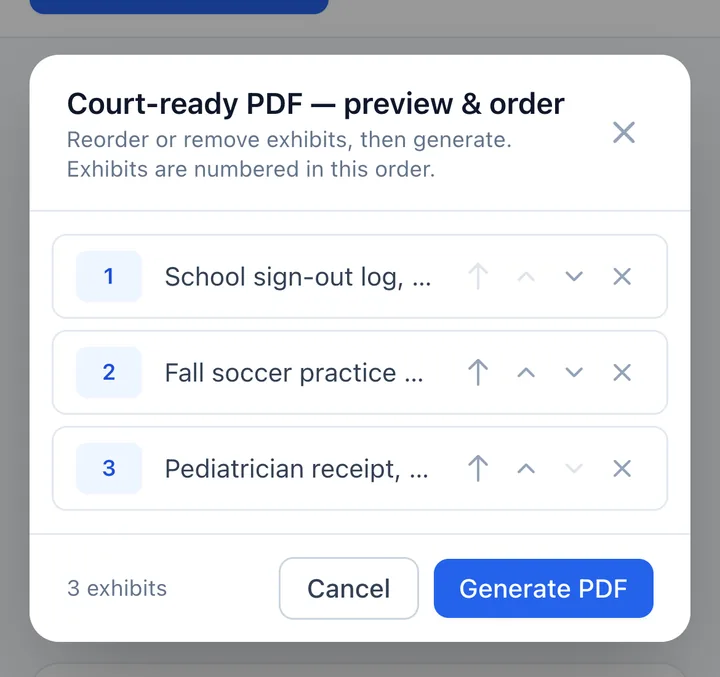
Photos taken on a phone often carry the place where they were taken. When the app builds your exhibit PDF, it removes location data from the photos in that PDF, while your originals stay untouched in your account. Each photo gets an exhibit number, and the PDF opens with a cover and index page.
Exhibit numbers in date order: EX-001, EX-002 and on
Preview, reorder or remove photos before the PDF is built
Each photo's SHA-256 fingerprint listed in the PDF
Free-plan PDFs are watermarked DRAFT. Paid plans export clean.
4of 4
Videos and recordings stay on the list with everything else
Video and audio files can't be printed, so they aren't placed in the exhibit PDF. They stay in your evidence list and in the printable evidence index with a number, date, description and fingerprint, so your printed index still accounts for every file. Your court decides how recordings are delivered, so check its rules early.
Create your account, then after a short setup you can try Full Suite free for 7 days. Card required; then $24.99/mo or $299/yr (about 82¢ a day) until you cancel. Cancel before day 7 and you pay nothing. Or subscribe now — $299/yr
50% off · 20× the AI
Full Suite Max
Everything in Full Suite, with 20× the AI actions.
$99.99$49.99/mo
or $899/yr$399/yr
Everything in Full Suite: all five tools and the assistant
6,000 AI actions a month (20× Full Suite)
50% off (normally $99.99/mo), locked in as long as you don’t cancel
Already on Full Suite? Get 20× the AI credits for only +$25/mo more (prorated in place)
Clean, printable exports + free attorney & advocate access (on every plan)
$49.99 a month, renews until you cancel. Cancel online in two clicks.
Hearing Pass · one-time
$49 once for 30 days of hearing prep. Nothing renews.
Everything in Full Suite for 30 days from the day you buy it: all five tools, the assistant, AI included, and exports without a watermark. No subscription and nothing to cancel. When the 30 days end you’re back on the free plan, and nothing you added is deleted.
Your case stays private to your account until you invite someone and choose what they see. Data is encrypted in transit and at rest, and we don’t sell your personal information.
Your files stay yours
Originals are kept unchanged. Download your complete Case Bundle, every original file plus a manifest, free on any plan, before or after you cancel.
Cancel anytime, in two clicks
The free plan has nothing to cancel. Paid plans renew until you cancel online in two clicks, and the Hearing Pass never renews.
Organizing software, not a law firm
It organizes the files, dates and messages you provide. It doesn’t give legal advice, choose what you file or predict what a court will do.
Questions, answered straight
Frequently asked questions
Can photos be used as evidence in court?
Courts decide what they accept and how, based on their own rules and the facts of the case, so check your local rules or ask a licensed attorney where you live. Custody Commander is organizing software, not a law firm, and it doesn't make that call. It keeps your originals, dates and labels each photo with your review, and prints numbered photo exhibits.
How do I present photos in court?
Many people bring printed, labeled copies for the judge, the other side and themselves, or share their screen at a video hearing. Your court may have its own rules on size, color and number of copies. The app builds one numbered PDF of your photos with a cover and index page, and hearing mode shows exhibits full screen, one at a time.
Does the app support iPhone HEIC photos?
Yes. Add HEIC photos like any other picture. The original HEIC file is kept as it is, and the photo prints into your numbered exhibit PDF. JPG and PNG photos, screenshots and scans of paper records go in the same place.
Can I add videos as evidence for a custody case?
Yes, audio and video files up to 25 MB each. They're kept unchanged and listed in your evidence list and evidence index, but they don't print into the exhibit PDF. Keep any larger originals in your own backup and write down where they are.
What happens to the location data in my photos?
Your original keeps all of its details, including location, because the app never changes it. In the exhibit PDF, location data is removed from the photos. Anything visible in the picture itself, such as a street sign or a house number, still shows, so look at each photo before you share it.
Is it free?
Yes. The free plan needs no card and never expires: one case, up to 10 evidence items, 1 GB of storage, 6 AI actions to try the date reading, and PDF exports watermarked DRAFT. Full Suite is $24.99 a month or $299 a year with 100 GB of storage, and the one-time Hearing Pass ($49) gives 30 days of everything.
Put your photos in order, originals and all
Add the pictures already on your phone and print numbered photo exhibits when you're ready. Start free, no card needed.